
The Gsuite apps work best if you use the Google Chrome browser.
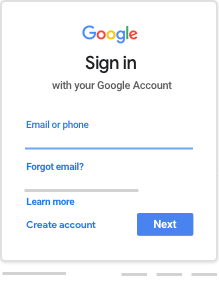
Go to https://classroom.google.com/
You will be asked for your email address to sign in. On the school Chromebooks part of this is automatically filled in for you but in a web browser you will need to type the whole thing. It is your usual username followed by @elvingtonprimary.org.uk
When you click ‘next’ it will take you to the next screen where you type in your password.
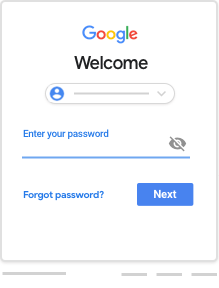
This is your usual password that you would use to log on to the Chromebooks.
 We are delighted to welcome applications for our Early Years Foundation Stage (EYFS).